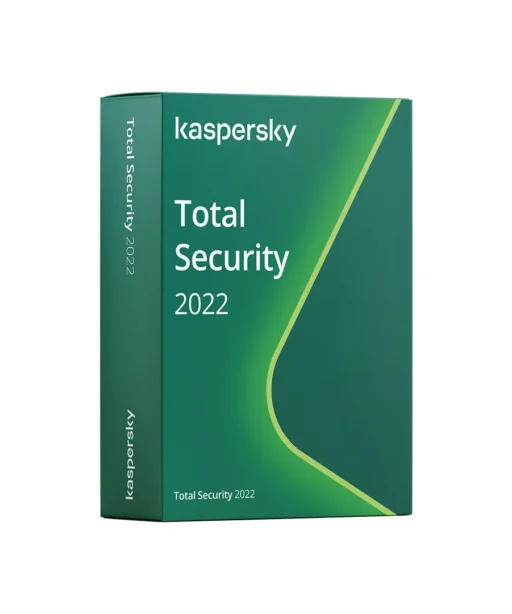
Kaspersky Total Security 2022 — Complete protection for family, data & devices
With Kaspersky Total Security 2022, you get a comprehensive security suite: real-time antivirus, firewall & phishing protection, Secure Money for safer banking, a password manager, parental controls, and VPN protection — all in one package. Ideal for anyone who wants maximum security, privacy, and everyday convenience.
All-in-One Features
Multi-layer malware protection against viruses, ransomware & spyware, including web & email protection.
Firewall & network monitoring, plus webcam/microphone protection and Wi-Fi security checks.
Secure Money: extra protection for online banking & shopping in isolated browser sessions.
Password Manager: securely store and auto-fill passwords & notes with strong encryption.
Parental Controls: screen time limits, content filters & location features (platform-dependent).
Secure Connection (VPN): encrypted connections on public Wi-Fi (data limits/availability vary by license/region).
Backup & encryption of sensitive files, plus secure file deletion.
Centralized management via one account for all devices.
Everyday Use & Results
Browse, shop, and work securely — at home, in the office, or on the go. Less tracking & phishing, more privacy, and smoother workflows thanks to background updates and scans.
Why buy from Keyfy
Genuine license with activation guarantee • Instant digital delivery (code + official download link) • VAT invoice • Professional support • Fair pricing with clear details on duration & device count.
Get started today — instant digital delivery
After purchase, you’ll receive your activation code by email within minutes, including the official download link and a short guide. Install, activate, and stay protected — it’s that simple. Add to cart now and enjoy complete protection with Kaspersky Total Security 2022.
Delivery
After purchase, your activation code is generated immediately and displayed on the confirmation (“Thank You”) page. At the same time, the official download link and a short installation guide are sent to your email within seconds of payment, allowing you to activate Kaspersky Total Security 2022 right away.
This electronic delivery gives you instant access to your product with no shipping costs or waiting time. No physical package is shipped. Please keep the email as proof of your license.
If you don’t see the email in your inbox, be sure to check your spam/junk folder. If you still have any issues, you can contact our support team at any time.
Installation
Retrieve license & download
After purchase, you’ll find your activation code and download link on the confirmation page and additionally via email.
2. Start the installer
Download the setup assistant (e.g., kaspersky_total_security_setup.exe), open the file, and follow the on-screen instructions.
3. Activation
After installation, open Kaspersky → License/Subscription → enter the activation code. Alternatively, sign in to your My Kaspersky account using the email address used for purchase.
4. Configure protection
Enable key modules: Safe Money, Firewall, Webcam Protection, and Secure Connection (VPN) if needed.
5. First scan
Run a quick or full scan and check that automatic updates are enabled.
6. Restart (if recommended)
A system restart may be required to ensure all protection features are fully active.
System requirements
Operating systems:
Windows 11, 10, 8.1, 8, 7 (SP1) – 32-bit and 64-bit
Hardware:
Processor: 1 GHz or faster (Intel/AMD)
Memory (RAM): minimum 2 GB (4 GB recommended)
Disk space: approx. 1.5–2 GB of free space
Display: 1024 × 768 or higher
Internet:
Required for download, activation, updates, and VPN
Notes:
Features may vary by platform. Running multiple security solutions in parallel may cause conflicts—uninstall other antivirus software beforehand if necessary.






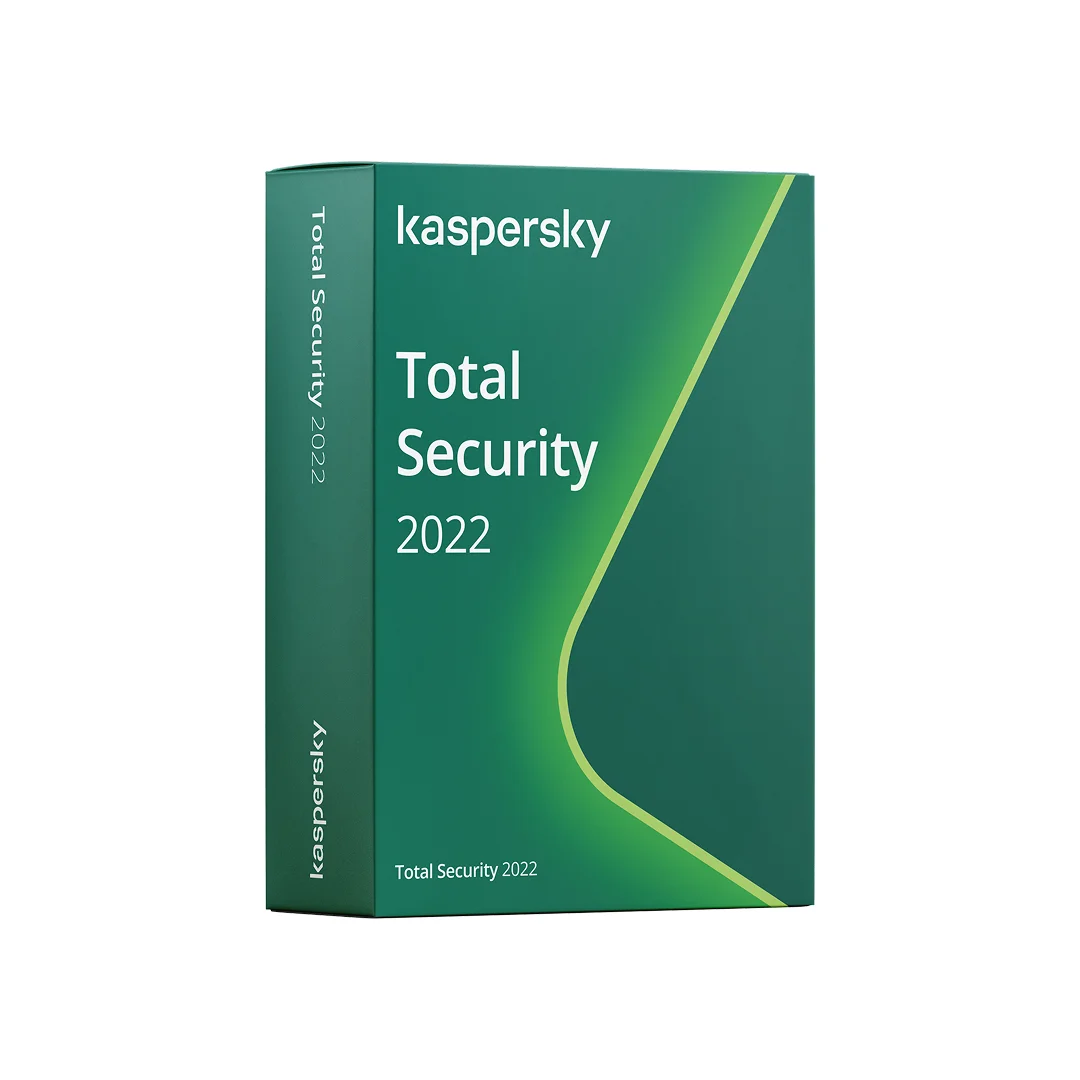























 Prix
Prix Authenticité
 Livraison
 Support client
 Garantie
 Sécurité
 Facilité d’utilisation
 Réputation
 Facture
 Abordable et transparent – aucun frais caché
 Bon marché, mais vous devrez racheter le mois prochain.